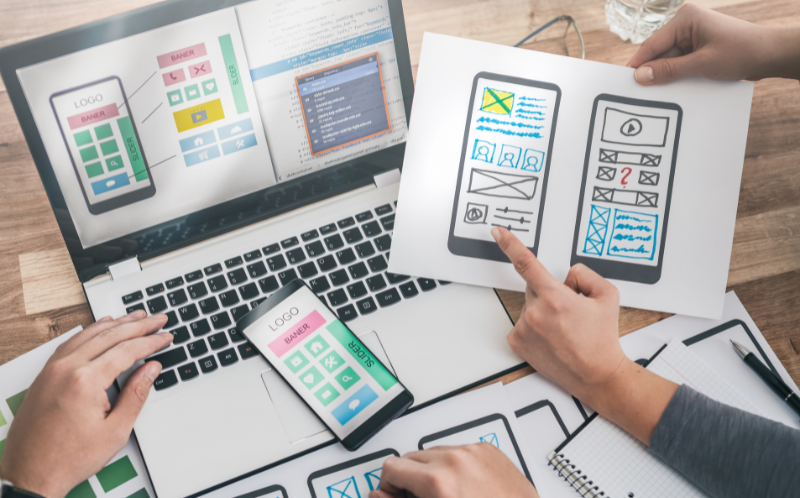
Website Development Made Easy: A Step-by-Step Guide for Business Owners
Business Marketing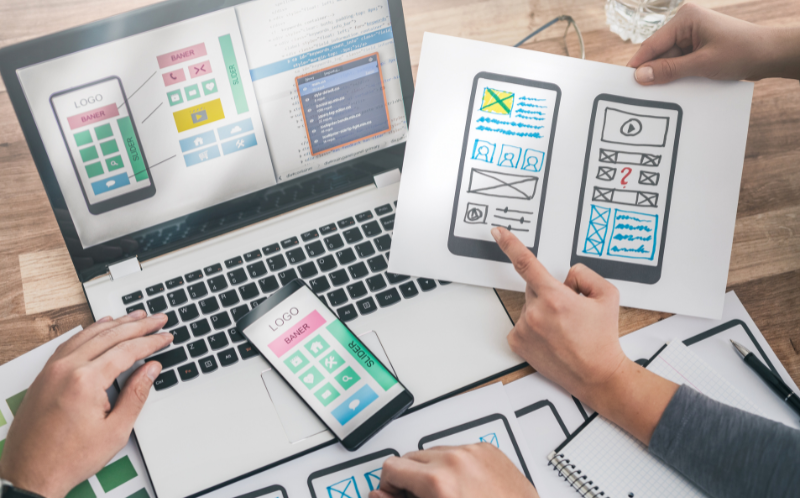
“Your website is the front door to your business. Make sure it opens the right way.”
You don’t need to write code or master design software to build a great website in 2025—but you do need a smart approach.
For many small businesses, the website is often the first impression. It’s where potential clients decide whether to call, click, or move on. Everything from structure to speed affects how trustworthy your brand appears.
Knowing what matters—and what doesn’t—can save time, money, and avoid the usual pitfalls. With the right setup, your website won’t just look good; it’ll work hard behind the scenes to attract leads, build trust, and support long-term growth.
Why a Website Matters for Your Business
In 2025, not having a website is like not having a phone number. It’s your digital storefront—open 24/7—even when you’re not.
Whether you run a local service, sell products, or offer consultations, your website is often the first impression a potential customer gets. It’s where they check your credibility, browse your offerings, and decide whether to take the next step.
And it’s not just about being found—it’s about being chosen. A clean, fast, mobile-friendly site can set you apart from competitors who still rely on outdated pages or social media alone.
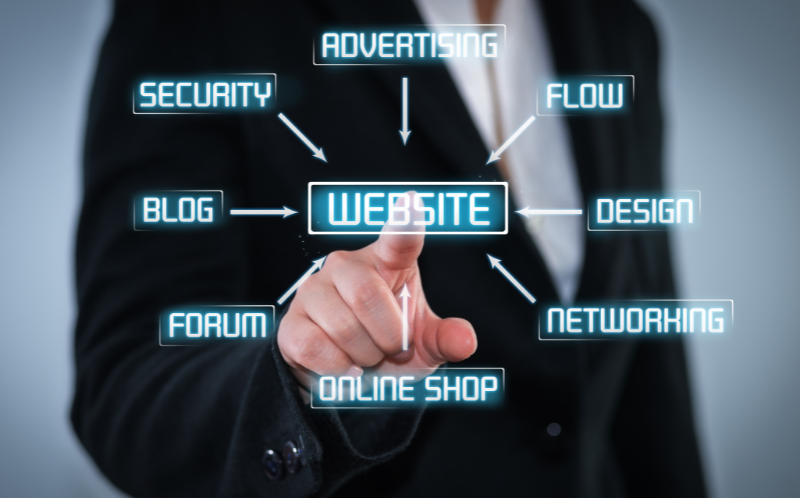
Here’s what a well-built website can do for your business:
- Build trust with clear branding and professional design
- Help customers find you through search engines
- Convert interest into bookings, sales, or calls
- Support marketing campaigns, lead capture, and email lists
- Provide a home for your content, reviews, FAQs, and more
If you’re not online—or your site hasn’t been updated in years—you’re likely leaving money (and customers) on the table.
Planning the Essentials: Goals, Audience & Pages
Before diving into design or platforms, step back and get clear on three things:
What’s the purpose of your site? Who are you building it for? And what needs to be on it?
What should your website do for your business?
- Generate leads?
- Book appointments?
- Sell products or services?
- Build credibility?
Without a goal, even a beautiful site can fall flat. Everything—layout, copy, and functionality—should support that primary objective.
2. Know Your AudienceThink about your ideal visitor:
- What questions are they trying to answer?
- What actions do you want them to take?
- Are they tech-savvy or not?
- Are they looking for fast info or deep detail?
Design, language, and content should all match the expectations of your real audience—not just what looks trendy.
3. Map Out the Core PagesYou don’t need dozens of pages to launch effectively. Start with what matters:
- Home: Clear value, strong call-to-action
- About: Who you are and why it matters
- Services/Products: What you offer, explained simply
- Contact: Easy ways to reach you (with forms, maps, or links)
- Testimonials/Case Studies: Social proof builds trust
- FAQ or Blog (optional): Helps with SEO and common customer questions
Starting with a focused, intentional layout keeps the project lean—and more likely to convert.
Choosing the Right Platform & Tools

Building a website isn’t just about design—it’s about choosing the right tools to help your business attract, engage, and convert visitors into customers. That starts with the platform you build on—and extends to the systems you connect behind the scenes.
Start with the Right Website Platform
Your platform is the foundation. Choose one that supports your goals without adding complexity. Here’s a breakdown of what to consider:
1. WordPressThe most flexible platform available, WordPress powers over 40% of the internet. It’s open-source, endlessly customizable, and integrates with nearly every major tool.
Best for: Growing businesses that want long-term control and scalability.
Purpose-built for e-commerce, Shopify includes everything from product listings and payments to shipping and inventory. It’s easy to use, but less flexible outside of selling physical goods.
Best for: Online stores focused on product sales.
Drag-and-drop builders with beautiful templates and minimal setup. Hosting is included, and the learning curve is low. Ideal for simple websites with limited backend needs.
Best for: Solo professionals and local service businesses needing a quick, modern site.
A powerful visual builder with developer-level design control—without writing code. More complex to learn, but perfect for brands that care about advanced layout and design precision.
Best for: Creative agencies, startups, and tech-forward brands.
Now Let’s Talk About What Happens After They Land

Getting people to your website is step one. What happens next is where your tools really matter.
You’ll need:
- A way to capture leads (forms, pop-ups, bookings)
- A system to manage those leads
- Automation to follow up
- Tracking tools to see what’s working and what’s not
That’s where CRM tools come in—and for service businesses in particular, having the right CRM working in sync with your website is key.
These features aren’t “nice to have”—they’re what make your CRM usable, efficient, and scalable.
Ready to get started?
Let’s build a CRM that fits — and grows with you.
Contact UsSmart Add-On: Connect Your Site to a CRM

While platforms like WordPress or Wix handle your site’s design and content, a CRM manages everything after someone fills out a form, books a call, or asks for a quote.
With CRM, you can:
- Automatically trigger follow-up emails or texts
- Assign leads to team members instantly
- Track conversations, appointments, and pipelines
- Build funnels and forms directly, if you prefer an all-in-one setup
It’s especially useful for service-based businesses where speed and follow-up consistency can make or break a sale.
Whether you use GHL to handle communication, bookings, or full funnel pages, it becomes the engine behind the website—not just another tool on top of it.
Other Key Tools Worth Adding

- Google Analytics – to track traffic and user behavior
- SEO tools (like RankMath or Yoast for WordPress) – to help you get found
- Booking & Calendar systems – or use GHL’s built-in calendar to streamline everything
- Live chat widgets – for real-time conversations
- Security & backups – always a must
In short, your platform builds the house—but your tools power the lights, lock the doors, and answer the bell. And when your CRM talks to your website, you’re not just online—you’re operational.
Design, Content & User Experience Basics
Your website doesn’t need to be flashy—but it does need to feel clear, trustworthy, and easy to use.
Visitors decide within seconds whether to stay or bounce. That decision often comes down to design clarity, content quality, and how easy it is to take action.
Here’s what matters most when it comes to design and user experience:
 1. Keep It Clean and Focused
Avoid clutter. Use white space, simple navigation, and clear sections to guide the eye. Every page should have one job—whether it’s getting someone to book a call, submit a form, or make a purchase.
2. Make It Mobile-FirstOver half your traffic will come from phones. Your site should load fast, scroll smoothly, and work on every screen size. Buttons, forms, and calendars must be finger-friendly.
3. Use Strong, Clear CTAsEvery page should lead somewhere. Use action-oriented buttons like “Book a Free Call,” “Get a Quote,” or “Start Your Project.” Make them bold, obvious, and above the fold.
4. Design for TrustUse real photos, client testimonials, clear pricing, and easy-to-find contact info. People do business with brands they trust—and your design should reflect that.
5. Write Like a HumanYour content should sound like you, not like a brochure. Talk to your visitors, not at them. Focus on what they care about, not just what you sell.
6. Optimize for SpeedSlow sites lose traffic. Compress images, use clean code, and avoid unnecessary plugins. Many drag-and-drop builders have built-in tools for this—or use platforms like GoHighLevel that include fast-loading funnel templates out of the box.
7. Can a CRM help beyond just sales?Click through your site like a first-time visitor. Is it clear what you offer? Is there any friction when trying to contact you or make a decision? The best websites feel effortless to use
When your design supports your message—and your message speaks directly to your audience—you don’t just look good. You convert better.
Getting Online: Domain, Hosting & Launch
Once the structure and content are ready, it’s time to take your website live. But before hitting publish, three foundational pieces need to be in place: domain, hosting, and launch prep.
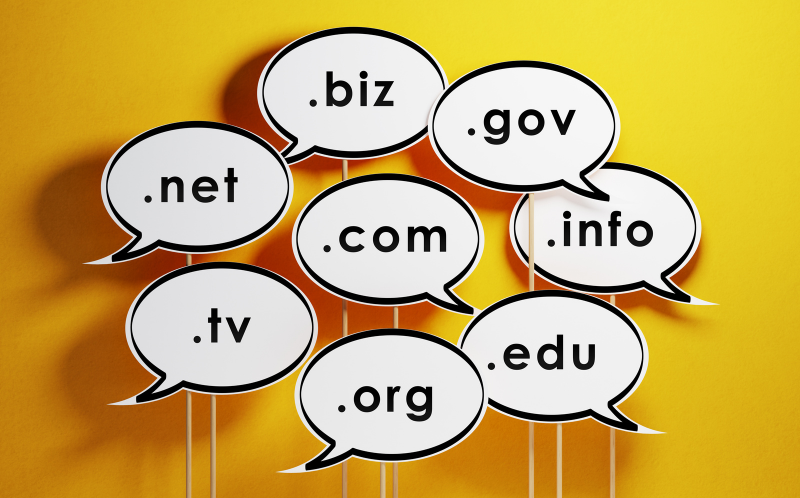
1. Pick a Domain Name That Makes SenseYour domain is your digital address. Make it:
- Short and easy to remember
- Aligned with your brand or business name
- Free of dashes, numbers, or confusing spellings
Aim for a .com when possible—it’s still the most trusted extension.
2. Choose a Reliable Hosting ProviderYour hosting service affects how fast and secure your site is. Look for:
- 99.9% uptime guarantees
- Fast load speeds
- Easy-to-use dashboards
- Solid support
- Built-in security features like SSL and backups
Popular options: SiteGround, Hostinger, Bluehost, or managed hosting through platforms like Webflow or Shopify.
3. Launch Smart, Not RushedBefore you go live:
- Test on mobile and desktop
- Check all links, forms, and buttons
- Make sure your contact info is correct
- Set up basic SEO (titles, meta descriptions, alt tags)
- Add Google Analytics and any tracking tools
A clean launch sets the tone for everything that follows—and avoids the embarrassment of broken links or missing info on day one.
FAQs
 1. How much does it cost to build a small business website?
It depends on tools and needs. DIY platforms can cost $100–$500/year, while custom builds may range from $1,000 to $5,000+.
2. Do I need to know how to code to build a website?Not at all. Platforms like WordPress, Wix, and Shopify offer drag-and-drop tools that make website creation accessible to non-developers.
3. What’s the difference between hosting and a domain?Your domain is your web address (e.g., yourbusiness.com). Hosting is the server space where your website files live.
4. How long does it take to build a website?A simple site can be launched in 1–2 weeks. More complex sites with custom features may take 4–8 weeks, depending on planning and revisions.
5. What pages should every business website include?At minimum: Home, About, Services/Products, Contact, and a Testimonials or FAQ page. Optional: Blog or Portfolio, depending on your industry.
6. Should I hire a developer or use a website builder?If your needs are basic, a builder is faster and cheaper. For custom features or advanced integrations, hiring a developer may be worth it.
7. Can a CRM help beyond just sales?Click through your site like a first-time visitor. Is it clear what you offer? Is there any friction when trying to contact you or make a decision? The best websites feel effortless to use
When your design supports your message—and your message speaks directly to your audience—you don’t just look good. You convert better.
8. Do I need a blog on my business website?Not always, but blogging helps with SEO and builds authority. If you can post consistently, it’s a smart long-term strategy.
9. What makes a good website user experience (UX)?Clear navigation, fast load times, mobile responsiveness, and concise messaging. Users should know who you are and what to do next within seconds.
10. Can I update my site after it’s launched?Yes—and you should. Keep content fresh, update services, check for broken links, and back up your site regularly.
Ready to Turn Clicks Into Clients?
Your website should work as hard as you do—selling, supporting, and growing your business 24/7. Whether you’re starting fresh or leveling up, clarity and strategy are key.
At Corunit, we build more than websites—we build growth engines. From CRM tools to SEO that brings the right leads, we’ve got you covered.
Contact us and let’s launch something that works even when you’re off the clock.
Tags What do you think? Show comments / Leave a comment Contact UsWhat to read next

How to Optimize Your Website for AI Search Results
Future-Proof Your Brand: A 6-Step Strategy (2026 Guide)